
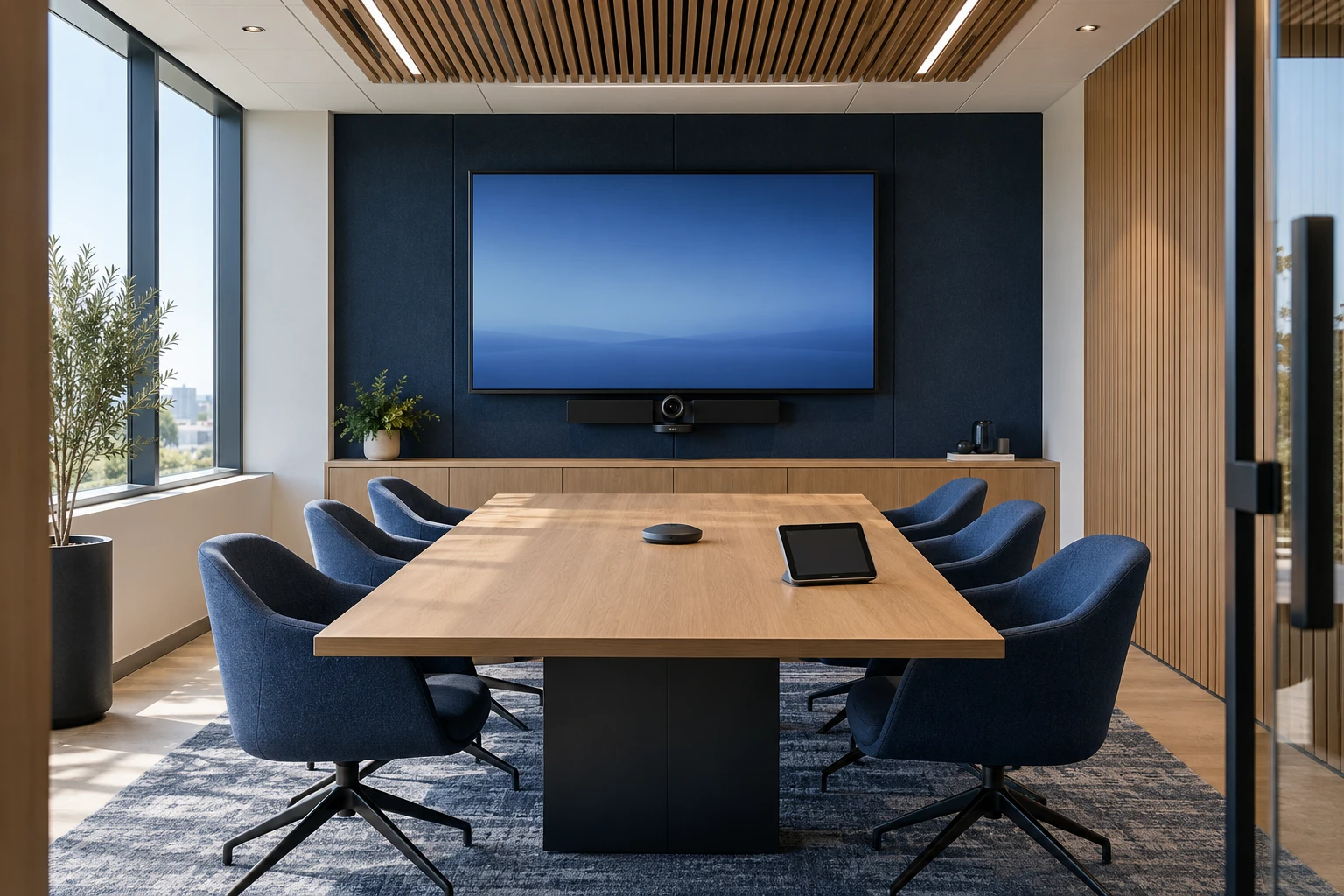
Observe a real meeting
Look at how the room is used today. Does someone present from a laptop? Are people joining from another platform? Can remote participants hear the person at the far end of the table? Write down the experience you want for the organizer, in-room participants, and remote attendees. A room that looks impressive can still be difficult to use.
Understand the physical space
Document room dimensions, seating positions, surfaces, background noise, daylight, and display sightlines. Microsoft’s Teams Rooms planning guidance calls out acoustics, layout, power, and room purpose as planning factors. These conditions inform camera coverage, microphone selection, speaker placement, and display size. Coordinate changes with the facilities or design team before equipment is ordered.
Choose a primary meeting workflow
Decide whether the room is primarily a dedicated platform room, a laptop-connected space, or a combination. Confirm how external meetings, content sharing, guests, and accessibility needs will work. Licensing, supported devices, and cross-platform features can change, so validate the exact configuration with current vendor guidance before procurement.
Connect the room to business IT
Room accounts, network connectivity, device updates, access controls, and monitoring need owners. Define the boundary between AV maintenance and the organization’s identity and network administration. A coordinated plan avoids a room being installed successfully but left without a practical support process.
Agree on acceptance before installation
Write a short test script based on everyday meetings. Join a call, share content, check speech from each seat, invite a remote participant, and recover from a disconnected laptop. Train the people who will use the room and leave a simple guide. Record what was tested and decide who owns future changes.