
Experience
Start with how the room will be used.
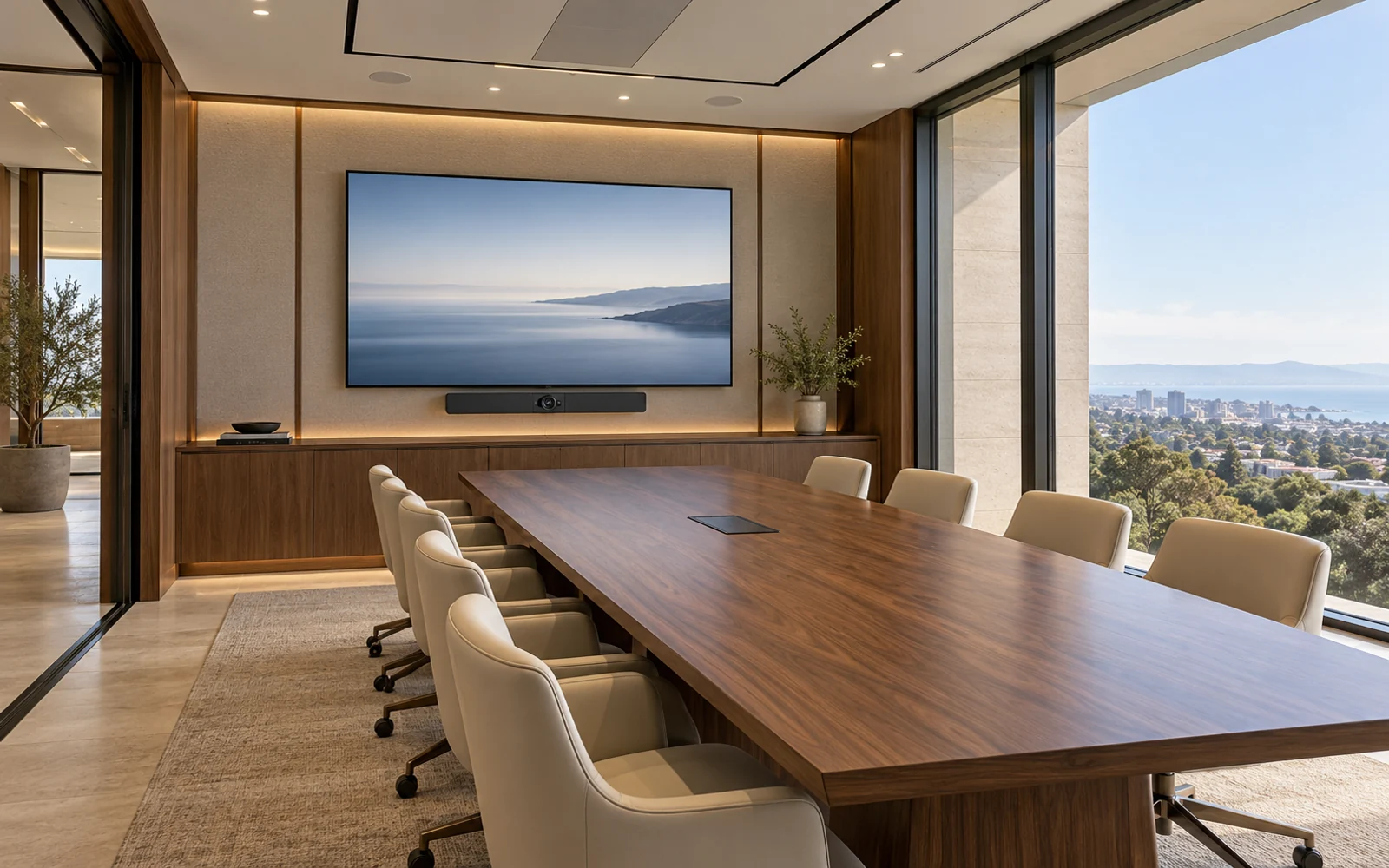
NETEX AV · COMMERCIAL ENVIRONMENTS
Professional audiovisual systems that belong in the space—bringing displays, sound, conferencing, and control together around the way your business works.
Discuss your spaceNETEX AV
Bring the room, technology and everyday controls into the same design conversation.
Start with how the room will be used.
Coordinate lighting, sound, displays and control.
Plan for a clear handover and ongoing ownership.
MAKE THE NEXT DECISION CLEARER
A commercial AV project should account for connectivity, accounts, construction dependencies and daily use.
Plan the meeting and presentation experience alongside IT, cabling and site requirements.
Agree acceptance checks, user orientation and the information needed to operate the room.
Define available maintenance and incident support with the supported platforms and coverage made explicit.
EXPERIENCE FIRST
A polished room can still be difficult to use when displays, audio, controls, and the network are selected independently. A successful installation begins with the room’s purpose, the people using it, and the operational details that affect every meeting or event.
For facilities managers, business owners, workplace leaders, designers, and IT teams planning offices, meeting rooms, reception areas, training spaces, and shared environments.
Define common tasks first, then organize the controls and connections around a straightforward daily experience.
Plan sightlines, sound coverage, equipment locations, cable routes, and finishes alongside the architectural design.
Agree on acceptance checks, documentation, training, and support responsibilities before the room goes into service.
EVERY DETAIL CONNECTED
Translate the needs of boardrooms, huddle rooms, training rooms, lobbies, and multipurpose spaces into a defined AV scope. Account for audience size, seating layouts, room reconfiguration, and everyday operators.
Plan displays, projection, source selection, and video distribution around viewing distance, ambient light, resolution needs, and service access. Evaluate video walls where the use case and space justify them.
Plan speakers, microphones, amplification, and signal processing for speech, conferencing, or background music. Review room conditions and coordinate any required acoustic work with the design team.
Design camera, microphone, speaker, and content-sharing arrangements around the selected conferencing platform. Define guest access and laptop connection options before specifying hardware.
Bring agreed room functions into an understandable control experience. Coordinate network ports, addressing, segmentation, remote administration, and update responsibilities with the organization’s IT team.
Coordinate mounting, cabling, equipment racks, labeling, and installation sequencing. Validate the agreed use cases, train designated users, and deliver the system records and support information included in the project.
DESIGN THROUGH HANDOVER
Review the space, users, common activities, building constraints, budget, and the people who will operate and support the system.
Develop the equipment, signal, control, and infrastructure plan with IT, facilities, and the project design team.
Coordinate site work and test representative presentations, calls, audio coverage, controls, and recovery from ordinary user errors.
Provide the agreed training and documentation, record outstanding items, and establish warranty and support boundaries.
PLANNING YOUR PROJECT
The proposed scope can cover offices, meeting rooms, training rooms, reception areas, and other shared business environments. The design begins with how the space will be used, its physical constraints, and who will operate it.
Potentially. Discovery checks compatibility, condition, performance, support status, and whether existing equipment fits the intended experience. Reuse decisions should also account for the cost and complexity of integrating older components.
The project plan should name the IT, facilities, construction, and AV contacts. Power, cable routes, mounting provisions, network configuration, and site access need clear owners and dates before installation.
Agree on practical acceptance checks during design, such as starting a meeting, sharing content, selecting sources, and hearing speech from the intended seating positions. Handover should also cover training, documentation, and unresolved items.
Support, monitoring, maintenance, manufacturer warranties, and future changes should be defined in the proposal. They are not automatically included in every installation or implied by the brands used.
LET’S TALK ABOUT YOUR BUSINESS
Tell us about your space, your design team, and how you want the technology to feel.


