
Space
Understand locations, pathways and the people using the space.
MSP SERVICES · CONNECTED FOUNDATIONS
Design the connectivity and infrastructure behind your business around the people, applications, and spaces that depend on it.
Plan an office opening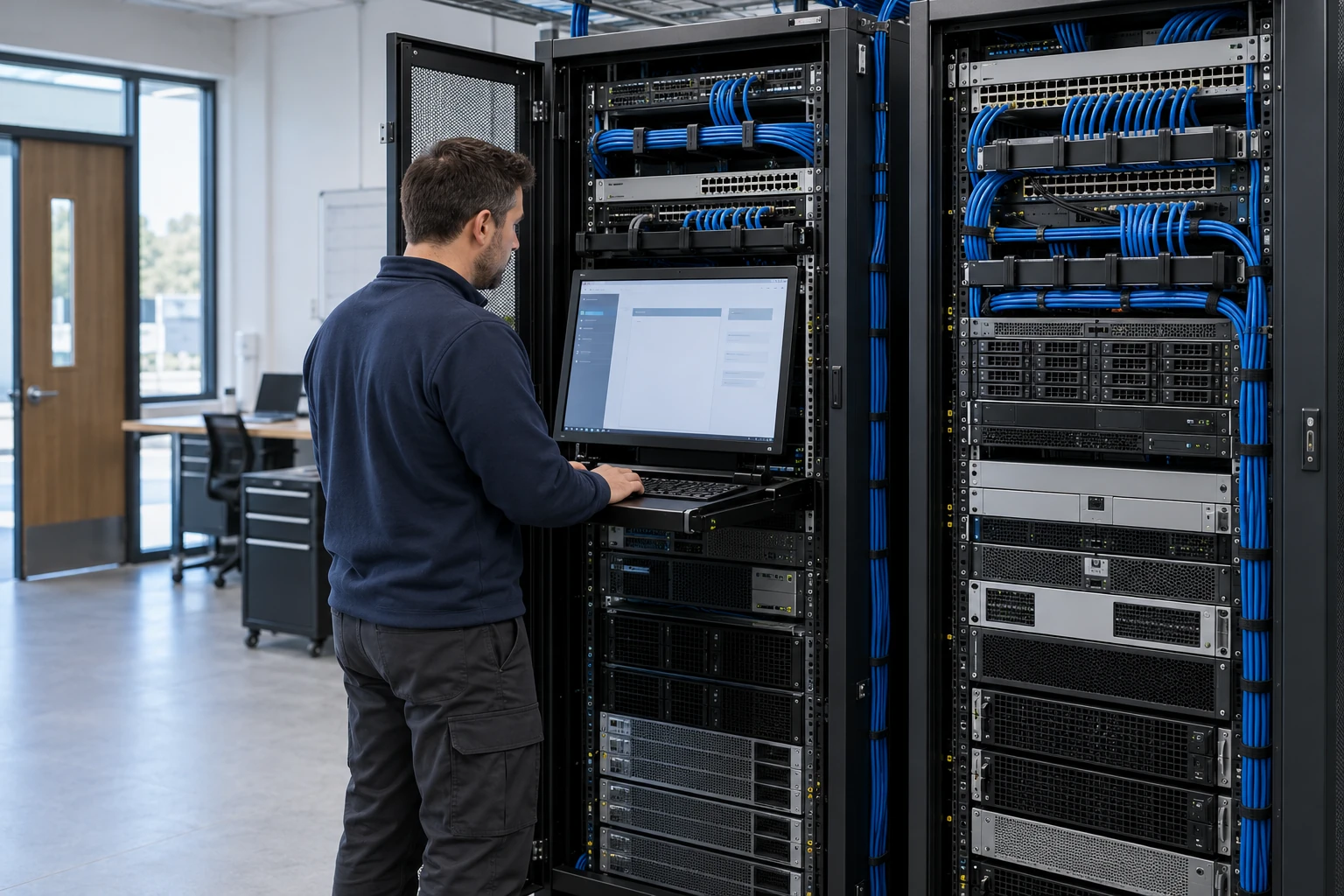
CONNECTED ENVIRONMENTS
Consider the physical installation and the digital experience together from the beginning.
Understand locations, pathways and the people using the space.
Coordinate connectivity, devices, AV and access requirements.
Define acceptance checks, documentation and operating owners.
MAKE THE NEXT DECISION CLEARER
An opening, a move or a new phone environment needs a defined set of dependencies and acceptance checks.
Start with the people, devices and applications that need the connection.
Clarify carrier, firewall, Wi-Fi, cabling and application responsibilities.
Agree what will be tested and what operating information will be handed over.
START WITH THE BUSINESS NEED
A network that grew through ad hoc additions can be difficult to troubleshoot or expand. Coverage gaps, aging equipment, unclear segmentation, and undocumented dependencies affect daily work and complicate new projects.
Start with application needs, device density, building conditions, and business workflows so the design addresses how the environment is used.
Document connections, equipment, owners, and dependencies to support troubleshooting, maintenance, and future decisions.
Sequence replacements and new capabilities around site readiness, maintenance windows, and the organization’s budget priorities.
WHAT WE CAN HELP WITH
Plan switching, routing, firewalls, addressing, and network segmentation. Account for business systems, guest access, management traffic, and connected devices.
Review coverage, capacity, interference, cabling, and power requirements. Validate the design against representative devices and the activities expected in each space.
Assess connectivity between offices, cloud environments, and remote workers. Coordinate carrier services, access policies, and failover requirements where included in scope.
Review workload placement, host resources, storage, licensing, and dependencies. Plan changes alongside backup coverage and application support requirements.
Coordinate network needs for meeting rooms, audio, lighting controls, imaging systems, and other connected equipment with the relevant specialist or manufacturer.
Connect the physical site with its network design: copper and fiber cabling, documented racks, PoE capacity, camera connectivity, door access, and security-system interfaces. Coordinate pathways, power, trades, testing, and handover as a defined low-voltage project.
FROM DISCOVERY TO DELIVERY
Review existing equipment, floor plans, applications, connectivity, and the business impact of current issues.
Document the proposed architecture, equipment choices, assumptions, dependencies, and acceptance criteria.
Prepare configurations, agree change windows, and coordinate installation and cutover with site stakeholders.
Test agreed workflows and coverage, record the final configuration, and explain ongoing support responsibilities.
Before work begins, agree on the scope, responsible owners, acceptance criteria, and handover requirements. We’ll discuss the evidence and documentation relevant to your project during discovery.
TECHNOLOGY IN CONTEXT
Platform selection depends on your existing environment, licensing, device and application compatibility, and the agreed scope.
Explore our technology ecosystemA FEW USEFUL ANSWERS
Yes. A repeatable site design can be piloted and adjusted before additional locations are scheduled. Each phase should account for local cabling, connectivity, access, operating hours, and installation constraints.
They can share infrastructure where the design supports it. Device discovery, traffic patterns, power, segmentation, and manufacturer requirements should be reviewed together. Network and AV teams need clear ownership of integration and troubleshooting.
Some changes require a service interruption. Discovery identifies affected systems and suitable maintenance windows. The implementation plan should include communications, validation steps, and a practical recovery path if the change cannot proceed.
Useful inputs include floor plans, expected headcount, specialist devices, application requirements, carrier options, and construction dates. Cabling pathways, equipment space, power, and installation access also influence the design and schedule.
The design can create appropriate network boundaries and access policies for each device group. Discovery checks communication needs so segmentation does not unexpectedly disrupt printing, conferencing, imaging, or control systems.
CONNECTED SERVICES
LET’S TALK ABOUT YOUR BUSINESS
Tell us what needs to work better. We’ll start with your business priorities.