
Experience
Start with how the room will be used.
NETEX AV · LIGHT & CONTROL
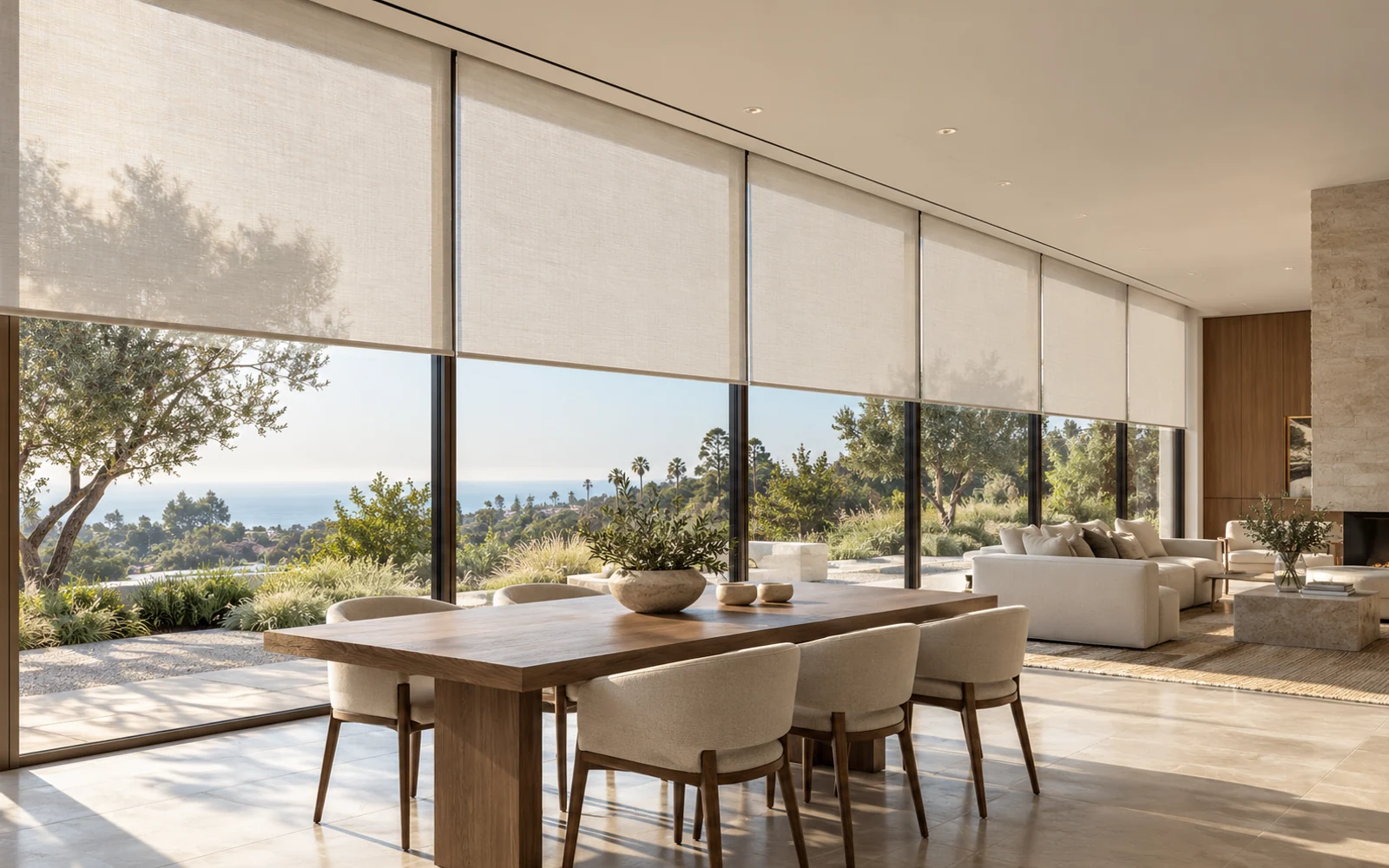
Shape how a space feels throughout the day with considered lighting, shading, and controls that bring useful functions together in a simple experience.
Discuss your spaceNETEX AV
Bring the room, technology and everyday controls into the same design conversation.
Start with how the room will be used.
Coordinate lighting, sound, displays and control.
Plan for a clear handover and ongoing ownership.
EXPERIENCE FIRST
Lighting, shading, AV, and other room functions are often specified separately. The resulting controls can feel fragmented, and late decisions can complicate wiring or finishes. Planning the desired scenes and daily interactions early helps align the technology with the architecture.
For property owners, facilities managers, architects, interior designers, and project teams planning commercial spaces or sophisticated residences.
Define useful scenes for arrival, meetings, presentations, relaxation, or closing so controls reflect how the space is actually used.
Consider fixtures, shades, fabric, control locations, wiring, and network needs together with the wider interior and electrical design.
Give designated users a clear explanation of scenes, manual controls, schedules, and the boundaries of connected functions.
EVERY DETAIL CONNECTED
Plan dimming, switching, and scenes around the intended activities and selected fixtures. Coordinate load compatibility and electrical work with the appropriate qualified trade.
Review window dimensions, exposure, privacy needs, fabric preferences, and installation conditions. Coordinate power, wiring or wireless requirements, mounting, and the intended interaction with room controls.
Organize frequently used functions into clear keypad layouts, touch interfaces, or approved app controls. Define schedules and automated actions with an accessible manual way to use the space.
Evaluate whether presentation, entertainment, shading, lighting, or other supported functions should work together. Confirm integration capabilities with the chosen products instead of assuming all devices are interchangeable.
Plan controllers, power requirements, cable routes, network services, equipment locations, and future access. Coordinate decisions with design, electrical, construction, and IT teams before finishes are closed.
Validate scenes, transitions, schedules, and manual operation with the owner. Deliver the agreed documentation, user instruction, account ownership, and maintenance or support arrangements.
DESIGN THROUGH HANDOVER
Review floor plans, finishes, window conditions, intended activities, and the people who will use and manage the system.
Agree on scenes, controls, fixture and shade requirements, wiring, equipment locations, and integration boundaries.
Coordinate installation with the project trades and refine scenes and control behavior under the actual lighting and room conditions.
Walk through everyday use and manual controls, record approved settings, and clarify how future adjustments and service are handled.
PLANNING YOUR PROJECT
They can be planned as a coordinated experience where the selected products support the required integration. The design should identify the exact functions, controls, manual operation, and any product or licensing dependencies.
Often there are retrofit options, but suitability depends on wiring, fixtures, windows, available power, network conditions, and the desired controls. A site review helps identify practical choices and the amount of installation work involved.
Manual use should be part of the design conversation. The appropriate keypad, switch, or local control arrangement depends on the selected system and the way occupants need to use the space.
As early as practical. Fixture compatibility, power, mounting, shade pockets, cable routes, and control locations can affect construction and finishes. The project plan should identify which decisions belong to each trade.
No specific savings are assumed. Outcomes depend on the building, equipment, settings, occupancy, and actual use. If energy performance is a project objective, the scope should define the baseline, measurement approach, and appropriate specialists.
LET’S TALK ABOUT YOUR BUSINESS
Tell us about your space, your design team, and how you want the technology to feel.


