
Workloads
Map the applications, information and dependencies that matter.
MSP SERVICES · BUSINESS RESILIENCE
Protect local systems, cloud workloads, and the ability to keep working—with Synology hybrid backup, Axcient recovery options, and tested AWS disaster recovery designs.
Review our recovery readiness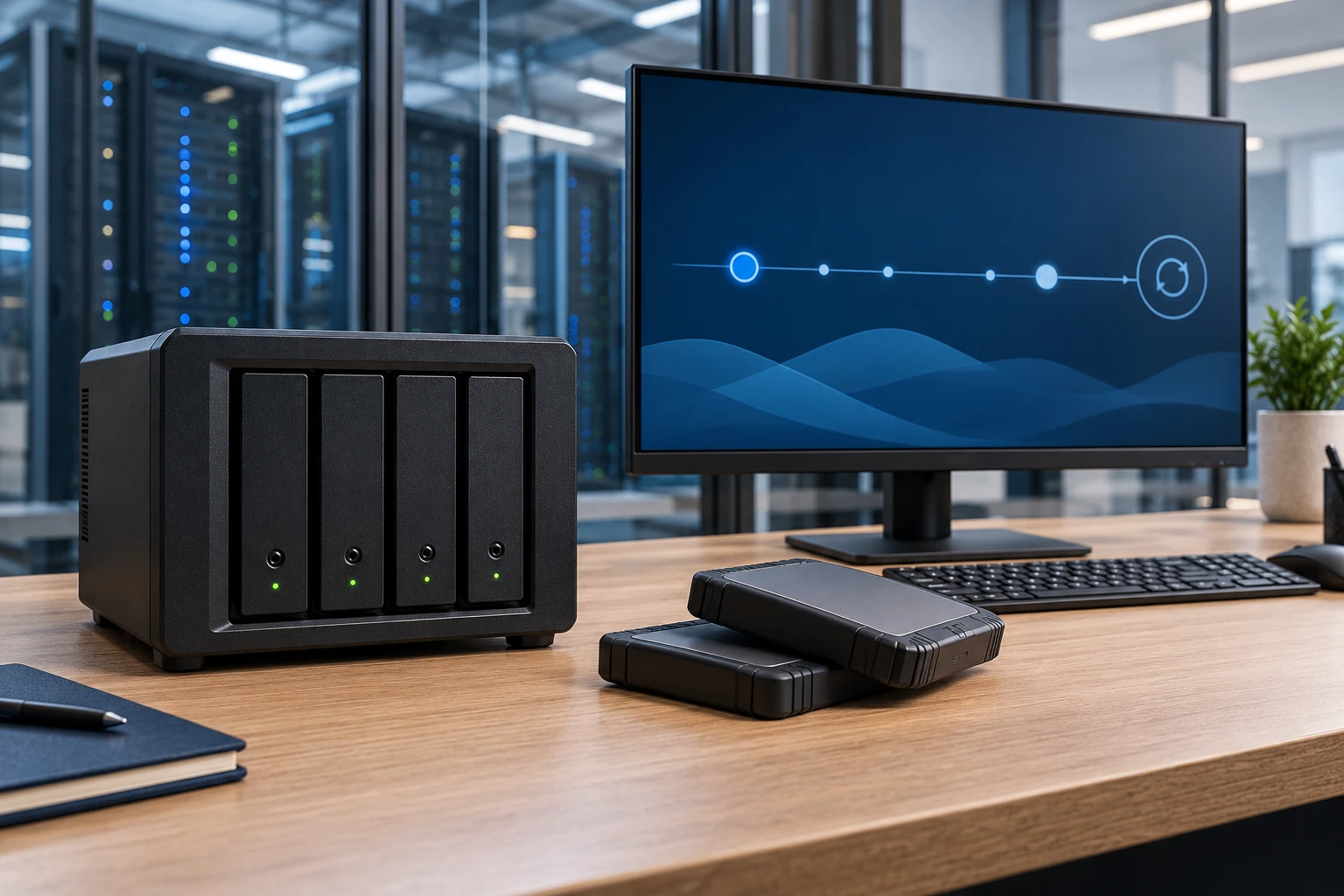
CLOUD & RESILIENCE
See the environment as a system: applications, access, ownership and the path back when something changes.
Map the applications, information and dependencies that matter.
Plan how people and systems connect to the environment.
Define recovery responsibilities and a practical validation plan.
START WITH RECOVERABILITY
Before selecting a scenario, discuss how much work could be lost and how long operations could be interrupted.
Choose the systems, data or applications that a controlled exercise should validate.
Record the recovered point, observed duration and the checks used to confirm useful operation.
Identify excluded conditions and follow-up work instead of treating one successful test as a universal guarantee.
START WITH THE BUSINESS NEED
A successful backup job does not explain whether an application can be restored when it matters. Recovery also depends on identity, networks, licenses, people, and an agreed order of operations. Those dependencies belong in a tested plan.
Identify which services must return first and agree how much interruption or data loss the organization can tolerate as planning objectives.
Use scoped restore tests to find missing dependencies, refine instructions, and understand the limits of the current recovery design.
Document decision owners, vendor contacts, communications, and technical steps so recovery does not depend on one person’s memory.
WHAT WE CAN HELP WITH
Plan a local recovery tier using supported Synology NAS hardware and Active Backup for Business for eligible PCs, servers, and virtual machines. Combine that with an independently protected off-site destination through supported Hyper Backup or replication workflows. Verify workload, package, and repository compatibility before selecting the design.
Evaluate x360Recover Direct-to-Cloud or an appliance-based deployment against site needs. Where suitable, local cache can reduce recovery downloads, and Virtual Office can provide an Axcient cloud recovery environment. Scope protected systems, cloud capacity, access, retention, recovery exercises, and failback.
For a workload that can tolerate a planned rebuild, protect supported AWS resources with AWS Backup and an approved destination account or Region. Recreate the application environment, restore the recovery point, validate dependencies, and reconnect users through a documented recovery runbook.
For higher-priority workloads, compare a pilot light with essential data and recovery components maintained in the recovery Region against a reduced-capacity warm standby environment. Plan replication, application deployment, capacity expansion, traffic changes, and a tested return to the primary environment.
Agree the acceptable data-loss window (RPO) and time to restore service (RTO) for each business process. Select retention, encryption, administrative separation, and immutable-storage options where supported. A local RAID array, synchronization, or replication alone does not replace an independent backup.
Test representative file, server, application, and site-loss scenarios in an isolated environment. Record actual recovery times, recovered data, missing dependencies, staff communications, and open actions. Keep recovery contacts, decision authority, and operational workarounds current.
FROM DISCOVERY TO DELIVERY
Identify critical services, dependencies, data owners, and the consequences of an interruption.
Agree objectives and select backup, retention, access, and recovery arrangements that support them.
Restore agreed systems or data in a controlled setting and document what the exercise demonstrates.
Resolve findings, update runbooks, and schedule future reviews and tests as the environment changes.
Before work begins, agree on the scope, responsible owners, acceptance criteria, and handover requirements. We’ll discuss the evidence and documentation relevant to your project during discovery.
TECHNOLOGY IN CONTEXT
Platform selection depends on your existing environment, licensing, device and application compatibility, and the agreed scope.
Explore our technology ecosystemA FEW USEFUL ANSWERS
It can fit organizations that need local restore access plus a separate off-site copy. Hardware, supported workloads, storage growth, transfer capacity, and the recovery destination all matter. We validate that the chosen backup and off-site-copy method can recover the actual application, not only its files.
A site-loss design must place recovery data and a usable recovery environment outside that office. Depending on the workload, this may involve Axcient Virtual Office, a separate location, or a scoped AWS recovery design. User access, identity, application licensing, connectivity, and failback are included in the exercise.
Backup and restore recreates services after an incident. Pilot light keeps essential recovery components and current data ready while other capacity is started when needed. Warm standby maintains a smaller working environment that can be expanded. Cost and operational effort increase with readiness; application tests determine suitable recovery targets.
No. They illustrate design choices. We agree targets with business owners, test the selected workload and dependencies, and report measured results and gaps. Data volume, replication health, available capacity, access, and incident conditions affect recovery. Contractual commitments require a defined scope.
Yes, when they are in scope. We review native retention, account recovery, ownership, and additional backup options for each environment. Retention and synchronization serve different purposes from independent backup, and a representative restoration must confirm that the planned method meets the business need.
CONNECTED SERVICES
LET’S TALK ABOUT YOUR BUSINESS
Tell us what needs to work better. We’ll start with your business priorities.