
People
Start with roles, daily workflows and the help your team needs.
MSP SERVICES · DEVICES & ACCESS
Give business devices a consistent start and a defined set of policies—while treating company-owned and personal devices according to their different needs.
Discuss your priorities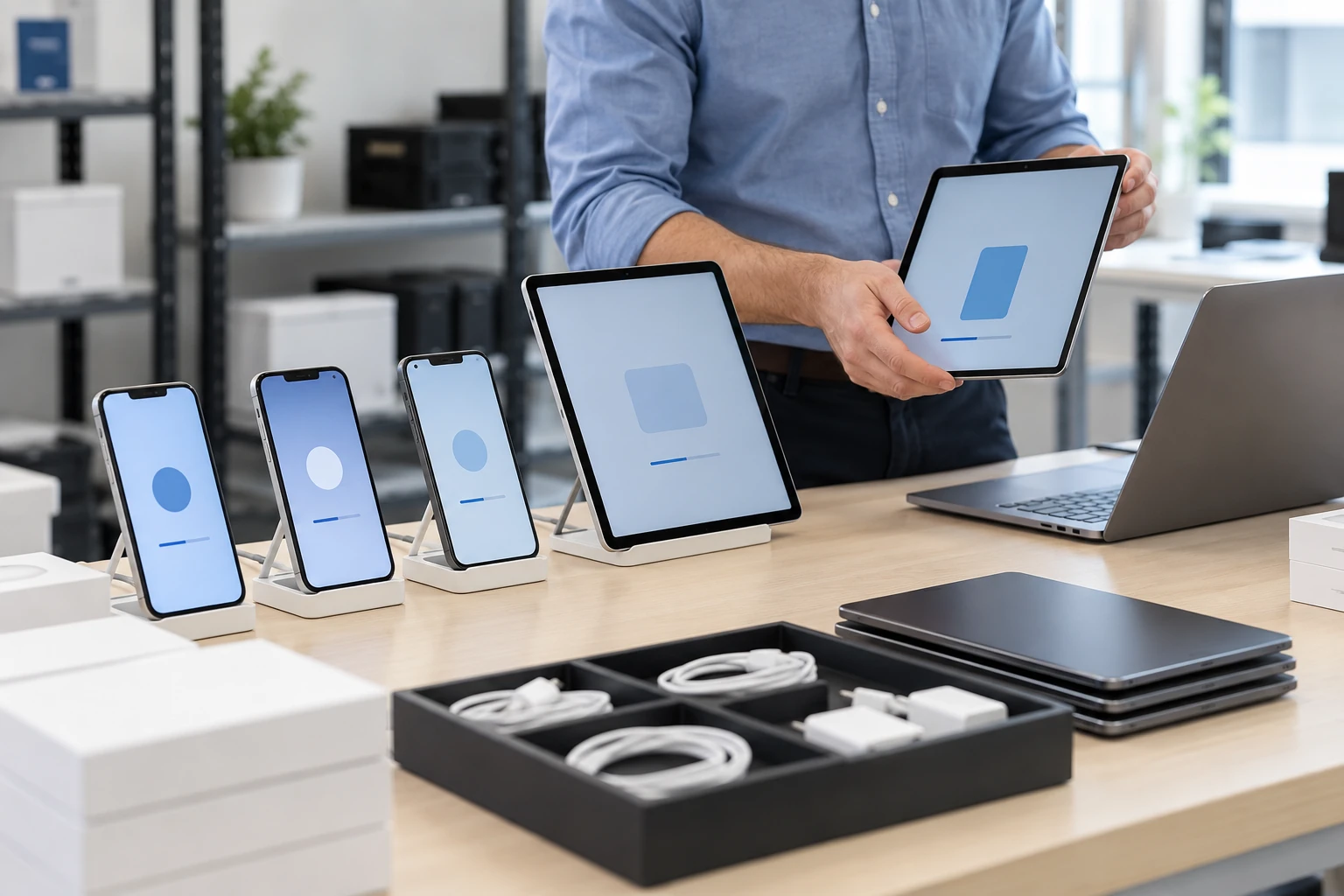
WORKPLACE TECHNOLOGY
A useful technology plan connects the way people work with the systems and support behind them.
Start with roles, daily workflows and the help your team needs.
Bring access, business applications and working tools together.
Define ownership, maintenance and the next improvements.
START WITH THE BUSINESS NEED
When devices are set up individually, settings drift and access decisions become inconsistent. Personal-device use adds another challenge: protecting business information while making the boundaries of management clear to employees.
Define enrollment, required applications, and configuration policies so new or replacement devices follow an approved process.
Distinguish company devices, shared devices, and bring-your-own-device arrangements with appropriate enrollment, notices, and management permissions.
Use supported device and application signals to inform access decisions, with a documented route for exceptions and remediation.
WHAT WE CAN HELP WITH
Assess Iru (formerly Kandji), Microsoft Intune, Hexnode UEM / MDM, Jamf, and JumpCloud against your device mix, ownership models, identity platform, and required controls. Confirm current platform and license support, choose clear policy owners, and avoid overlapping tools enforcing conflicting settings.
Plan supported enrollment methods for Windows, macOS, iOS/iPadOS, and Android. Confirm ownership, operating system support, required licenses, and the appropriate management mode.
Define relevant settings for screen locks, encryption, business connectivity, and access requirements. Pilot each policy on representative devices before broader deployment.
Coordinate required applications, approved configuration, and removal rules. Review application compatibility, distribution options, licensing, and the user experience during setup.
Assess supported app-level protection or separate work profiles where appropriate. Explain what administrators can manage, what information is visible, and how work data is removed.
Define authorized lock, retirement, and wipe actions. Use selective removal of business data where supported; confirm the effect and required approval before any destructive device action.
FROM DISCOVERY TO DELIVERY
Inventory platforms, ownership, user roles, applications, and existing enrollment or management tools.
Document configuration goals, employee notices, access requirements, exceptions, and authorization for remote actions.
Test representative devices and user journeys, refine instructions, and roll out enrollment in manageable groups.
Track enrollment and policy status, address exceptions, and update the approach as platforms and business needs change.
Before work begins, agree on the scope, responsible owners, acceptance criteria, and handover requirements. We’ll discuss the evidence and documentation relevant to your project during discovery.
TECHNOLOGY IN CONTEXT
Platform selection depends on your existing environment, licensing, device and application compatibility, and the agreed scope.
Explore our technology ecosystemA FEW USEFUL ANSWERS
Yes. Ownership and enrollment mode should inform the policy design. Available controls vary by platform, application, operating system, and license. Personal-device arrangements should explain the management boundary and use an appropriate level of control.
The intended action must be checked before it is authorized. Some supported app or enrollment modes allow business data to be removed selectively; a full device wipe has a much broader effect. The procedure should specify the approved action and its limits.
MDM focuses on enrollment, policy, configuration, and managed access across supported devices. Endpoint management covers ongoing device operations such as inventory, patching, troubleshooting, and lifecycle work. The two services should share ownership and avoid conflicting controls.
Many supported devices can be brought into management, but the process depends on their current state, ownership, platform, and enrollment method. Some transitions require a reset or user action. A representative pilot establishes the impact before a wider rollout.
We work through options including Iru, Microsoft Intune, Hexnode UEM / MDM, Jamf, and JumpCloud. Jamf focuses on Apple management; the right choice for a mixed environment depends on supported platforms, required controls, identity integrations, ownership, and licensing. A pilot checks everyday use and offboarding before rollout.
CONNECTED SERVICES
LET’S TALK ABOUT YOUR BUSINESS
Tell us what needs to work better. We’ll start with your business priorities.