
Experience
Start with how the room will be used.
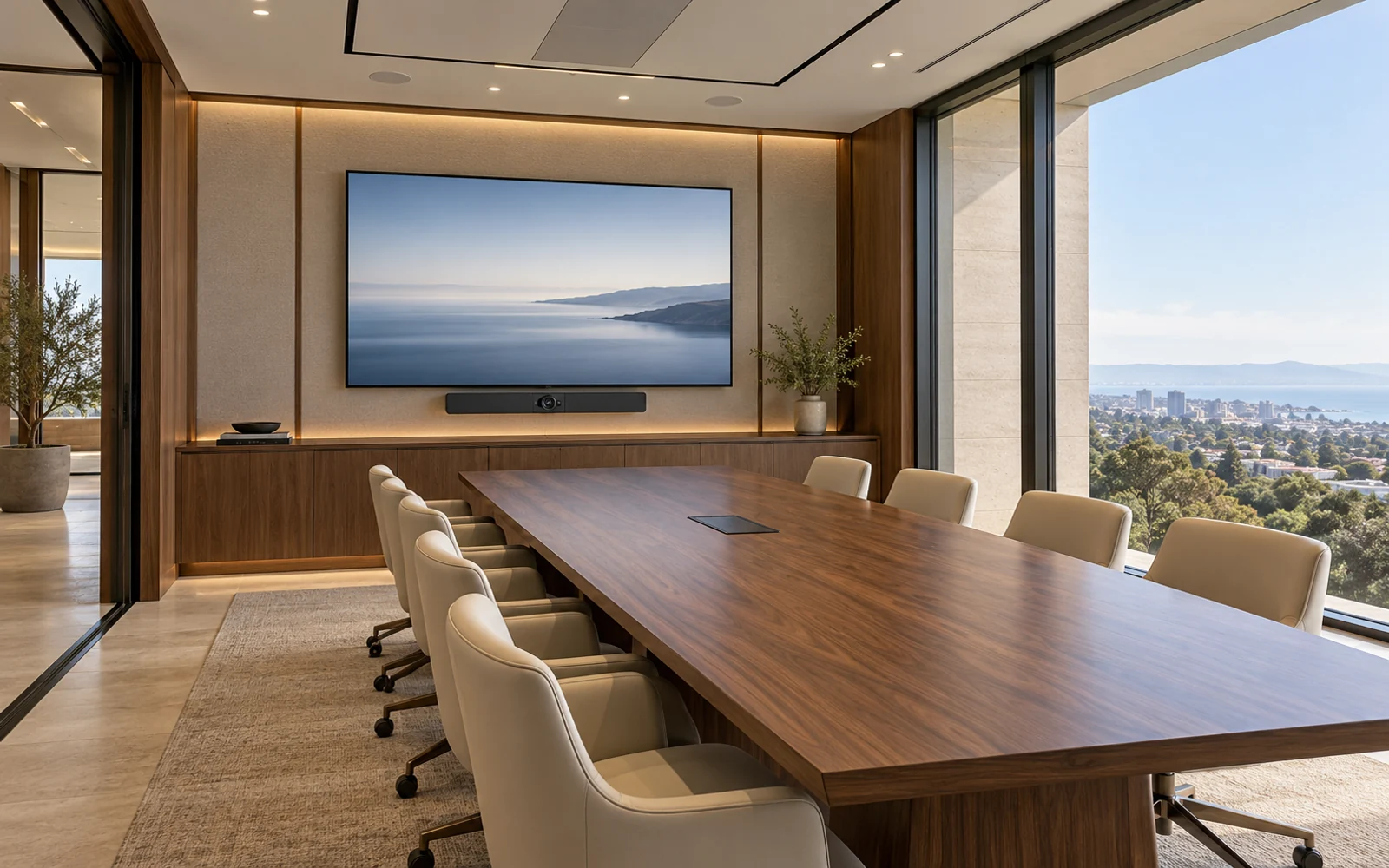
NETEX AV · MEETING & COLLABORATION SPACES
Meeting rooms designed to make conversation feel natural—with the right view, clear sound, simple controls, and a considered experience for people joining remotely.
Discuss your spaceNETEX AV
Bring the room, technology and everyday controls into the same design conversation.
Start with how the room will be used.
Coordinate lighting, sound, displays and control.
Plan for a clear handover and ongoing ownership.
MAKE THE NEXT DECISION CLEARER
Room accounts, updates, user instructions and escalation are part of a dependable operating arrangement.
Assign the conferencing platform, licenses, accounts and device-management responsibilities.
Document the supported joining, presentation and collaboration workflows for staff.
Agree device checks, maintenance, reporting and onsite options instead of assuming support is included.
EXPERIENCE FIRST
Hybrid meetings ask a room to serve two audiences at once. People in the room need straightforward controls and useful displays, while remote participants need to see, hear, and contribute. Camera coverage, microphone placement, acoustics, platform choice, and content sharing all influence that experience.
For IT directors, facilities teams, workplace leaders, and organizations equipping huddle rooms, boardrooms, executive offices, or training spaces.
Define a consistent way to join calls, connect guest devices, and share content so users can focus on the discussion.
Plan camera views, microphone coverage, display placement, and room lighting around the people on both sides of the call.
Clarify who manages accounts, updates, peripherals, reservations, and support after installation.
EVERY DETAIL CONNECTED
Assess room size, seating, meeting styles, and existing subscriptions. Compare a dedicated room system with a laptop-led approach based on platform requirements, guest use, and support expectations.
Plan the camera location, field of view, and display arrangement to suit participant positions and shared content. Account for sightlines, lighting, accessibility, and rooms that change layout.
Select and position audio components for the room’s size and use. Coordinate echo control, speech pickup, playback level, and acoustic concerns as a complete system.
Define how staff and visitors present from laptops or approved mobile devices. Evaluate wired and wireless sharing against ease of use, security policies, network access, and platform compatibility.
Coordinate control panels, room accounts, calendars, network configuration, licensing, and device administration with the IT team. Confirm each function against the selected products and subscriptions.
Test representative internal and external calls, content sharing, audio, camera views, and recovery from disconnections. Provide agreed user guidance and define who handles room, network, and platform issues.
DESIGN THROUGH HANDOVER
Review who hosts, how guests join, what people share, and which room layouts and platforms the organization uses.
Document the equipment, control, account, network, and licensing requirements with the responsible IT and workplace teams.
Test both the in-room and remote experience using representative participants, devices, and meeting scenarios.
Handover user instructions and system records, then define support, update, and change responsibilities for the room.
PLANNING YOUR PROJECT
The intended platforms and guest scenarios should be established first. Compatibility and available features depend on the selected room system, connection method, software, and licensing. The design should document the supported experience and validate representative calls.
A dedicated system can provide a consistent room workflow, while a laptop-led approach can suit different guest and platform needs. The choice depends on meeting patterns, support ownership, licensing, and the desired user experience.
Microphone placement, speaker placement, room surfaces, seating, and background noise influence what participants hear. Audio should be evaluated as part of the room, with representative calls used to validate the proposed arrangement.
Yes, a review can identify what remains useful and what limits the experience. Existing displays, mounts, cabling, audio components, and control equipment should be checked for compatibility and condition before a final scope is agreed.
The project should assign ownership of room accounts, licenses, device updates, network services, and support. Ongoing management can be separately scoped; it should not depend on users guessing which provider owns an issue.
LET’S TALK ABOUT YOUR BUSINESS
Tell us about your space, your design team, and how you want the technology to feel.


