
Space
Understand locations, pathways and the people using the space.
INFRASTRUCTURE · CONNECTED BUILDINGS
Bring network cabling, cameras, security systems, and door access into one coordinated plan—from the cable pathway to the systems your team uses every day.
Plan an office opening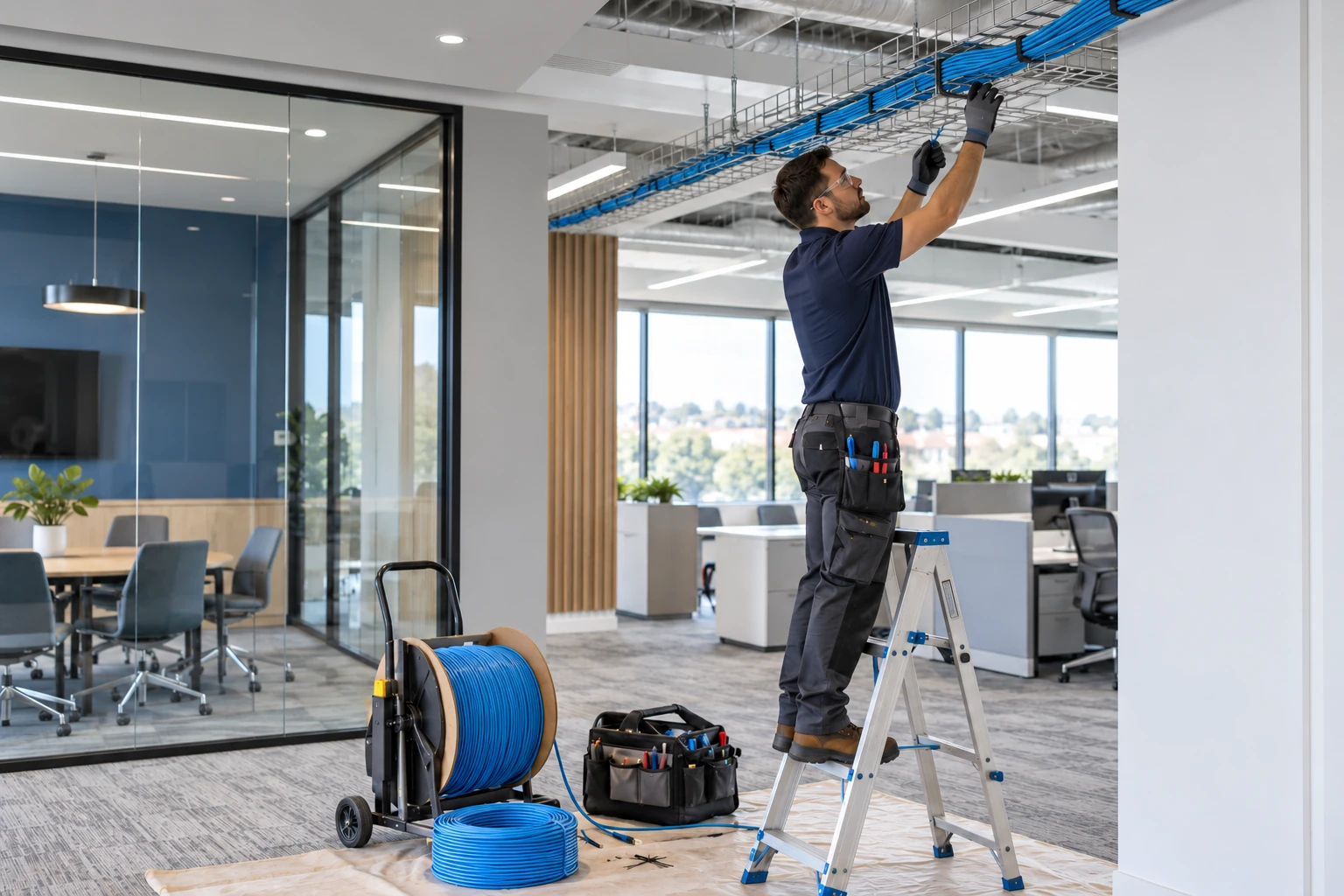
CONNECTED ENVIRONMENTS
Consider the physical installation and the digital experience together from the beginning.
Understand locations, pathways and the people using the space.
Coordinate connectivity, devices, AV and access requirements.
Define acceptance checks, documentation and operating owners.
MAKE THE NEXT DECISION CLEARER
Cabling, Wi-Fi, cameras and access control depend on the site, its use and the responsibilities of several providers.
Review locations, routes, equipment, connectivity and authorized access needs.
Agree the boundaries between Network Experts, construction, licensed trades, carriers and application providers.
Plan agreed testing, labeling and handover information for the team operating the site.
START WITH THE BUSINESS NEED
Connected buildings depend on work that is easy to overlook: cable routes, usable rack space, power, camera coverage, door hardware, and documentation. When each system is installed separately, teams inherit unfinished connections and unclear ownership. Coordinated design resolves those dependencies before installation.
Plan wired connectivity and power for workstations, wireless access points, cameras, access control, phones, and AV together.
Agree camera views, access rules, cabling routes, equipment locations, and responsible trades before equipment is ordered.
Receive agreed labeling, cable test records, rack layouts, access ownership, and a practical system handover.
WHAT WE CAN HELP WITH
Plan and coordinate Cat6 / Cat6A and fiber runs, patch panels, outlets, pathways, termination, and labeling for the site. Specify test and acceptance requirements, keep a port schedule, and document installed routes and results.
Organize racks, switches, patching, cable management, UPS requirements, and service access. Size PoE budgets for cameras, wireless access points, phones, and supported door devices. Coordinate mains power and building work with the responsible trades.
Design camera coverage around the spaces and events that matter to your operation. Plan recorder or storage capacity, retention, network separation, authorized viewing, remote access, and representative day and night acceptance checks.
Scope Paxton, UniFi Access, or another suitable platform for credentials, schedules, doors, and visitor workflows. Coordinate readers, controllers, cabling, locks, door hardware, and required egress interfaces with qualified trades and responsible building authorities.
Coordinate network and low-voltage infrastructure for supported intrusion systems, intercoms, alarms, and security integrations. Define installer and monitoring-provider responsibilities, event routing, administration, and what is included in ongoing support.
Connect cable and network plans with wireless coverage, meeting rooms, sound, lighting control, and other supported building technology. Test representative workflows, label connections, transfer approved credentials, and document escalation contacts.
FROM DISCOVERY TO DELIVERY
Review floor plans, pathways, existing cables, equipment rooms, doors, coverage needs, and operating constraints.
Confirm system scope, compatible equipment, installation responsibilities, permits where needed, schedules, and acceptance criteria.
Coordinate the agreed work, record cable and system tests, verify coverage and access behavior, and resolve outstanding items.
Hand over drawings, labels, test results, administration, and the service arrangements needed to maintain the installation.
Before work begins, agree on the scope, responsible owners, acceptance criteria, and handover requirements. We’ll discuss the evidence and documentation relevant to your project during discovery.
TECHNOLOGY IN CONTEXT
Platform selection depends on your existing environment, licensing, device and application compatibility, and the agreed scope.
Explore our technology ecosystemA FEW USEFUL ANSWERS
Yes. A coordinated scope brings pathways, cabling, switching, PoE, cameras, access control, and responsible trades together. Specialist or regulated work is assigned to appropriately qualified installers, with responsibilities and acceptance checks agreed before work begins.
We assess condition, capacity, test results, documentation, and compatibility first. Usable components may be retained, while damaged, unverified, or unsuitable parts can be included in a defined remediation plan. Reuse is a design decision, not an assumption.
These are among the platforms we can scope for a project. We confirm model compatibility, door and camera requirements, licensing where applicable, power, storage, network design, and administration before selecting equipment. Brand inclusion does not imply a particular certification tier.
We size storage around the agreed camera count, recording settings, and retention period, then define who can view, export, or administer footage. Remote access and camera networks are configured to the approved security design. Appropriate recording locations and policies remain part of the site’s decision process.
The agreed handover can include cable labels and test results, port and rack schedules, equipment inventories, camera views, access-control configuration, approved credentials, and support contacts. Acceptance criteria specify which records and demonstrations are required to close the project.
CONNECTED SERVICES
LET’S TALK ABOUT YOUR BUSINESS
Tell us what needs to work better. We’ll start with your business priorities.