
People
Start with roles, daily workflows and the help your team needs.
A PRACTICAL STARTING POINT
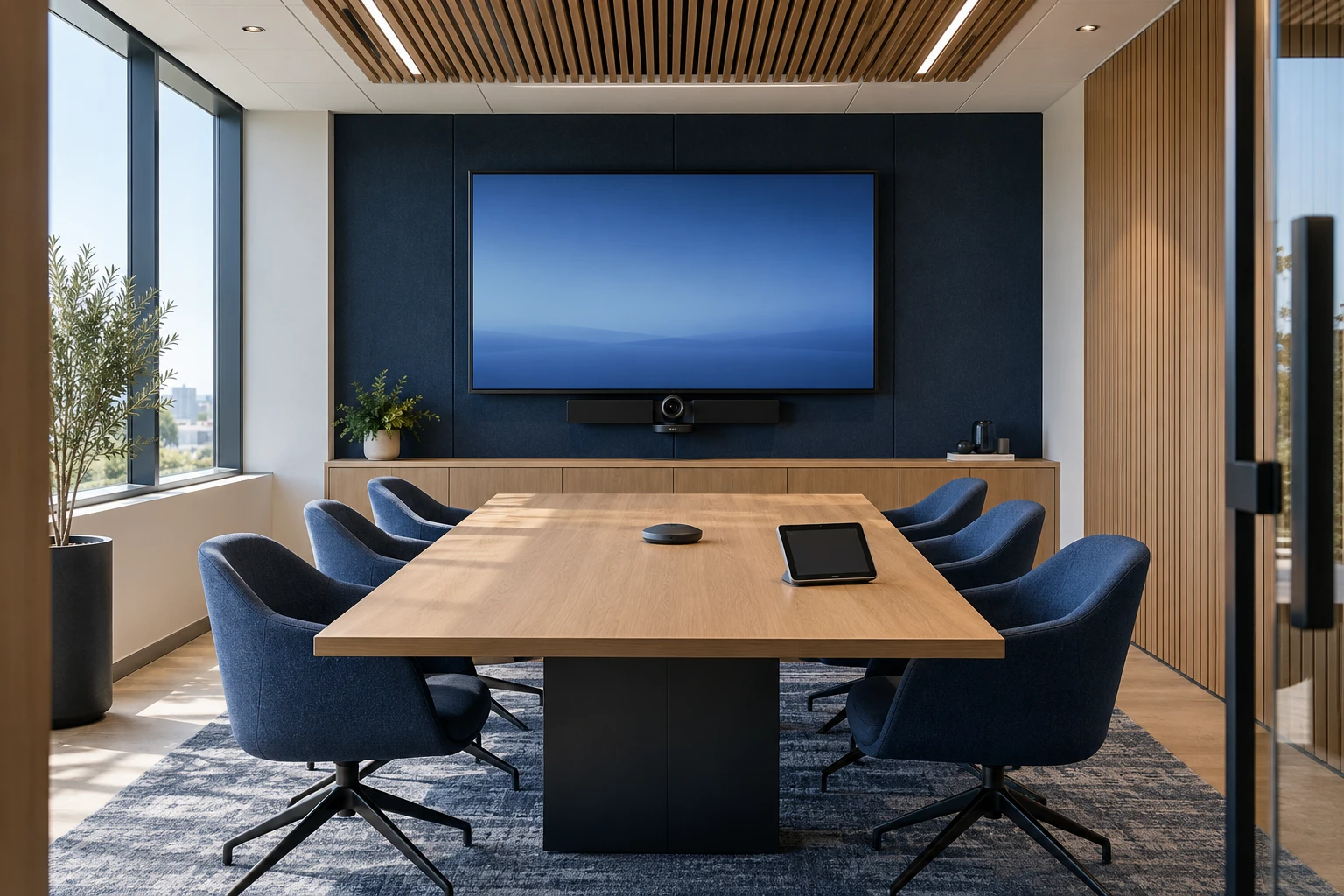
Plan the ongoing care of conferencing devices, room accounts and the people who use them. Match support to your room systems and the way meetings actually happen.
Request a conversation. This does not reserve a meeting time.
WORKPLACE TECHNOLOGY
A useful technology plan connects the way people work with the systems and support behind them.
Start with roles, daily workflows and the help your team needs.
Bring access, business applications and working tools together.
Define ownership, maintenance and the next improvements.
START WITH THE BUSINESS NEED
For organizations with shared conference rooms, hybrid meetings or multiple offices that need an agreed room-support approach.
Clarify equipment, sign-in, joining and presentation steps.
Define who manages access, licensing, updates and service changes.
Agree checks, reporting and escalation before the next meeting problem.
AGREE THE SCOPE FIRST
We agree what is included, who is involved and what evidence is available before the work begins.
Identify conferencing devices, platforms, licensing and account ownership.
Agree device checks, supported updates and maintenance windows.
Define reporting, remote assistance, escalation and available onsite options.
Give staff practical joining, sharing and troubleshooting guidance.
WHAT YOU CAN TAKE FORWARD
Document systems, accounts, owners and support information.
Define the agreed checks, update process and change responsibilities.
Explain how an issue is reported and when other providers are involved.
Provide instructions suited to the room and its meeting platform.
A DEFINED NEXT STEP
Observe intended meeting workflows and existing equipment.
Confirm platforms, coverage, access and maintenance responsibilities.
Apply agreed activities and discuss recurring issues or changes.
BEFORE WE BEGIN
Review the equipment, platform support and access first. The support scope depends on the condition and supportability of the existing environment.
No. Ongoing room care has its own scope. Redesign, replacement equipment and installation can be planned separately if needed.
LET’S DEFINE THE RIGHT SCOPE
Share your priorities first. We’ll discuss fit, responsibilities and a scoped proposal before work begins. Please keep passwords, patient details and confidential records out of your initial inquiry.